
Listok — EPUB and FB2 eBook Reader
Листок — читалка FB2 и EPUB в браузере
Листок — читалка FB2 и EPUB в браузере
Read EPUB, FB2 and FB2.ZIP books from your disk in a browser tab. Remembers your place, searches the whole book. No site access.
| Firefox | listok-epub-fb2-reader |
|---|---|
| Firefox id | epub-reader@dmitryq |
| Permissions |
|
| Optional | none |
| Optional sites | none |
| Runs on | none |
| Firefox data collection | {"required": ["none"]} |
Screenshots from the store materials.
Text from the Firefox Add-ons page.
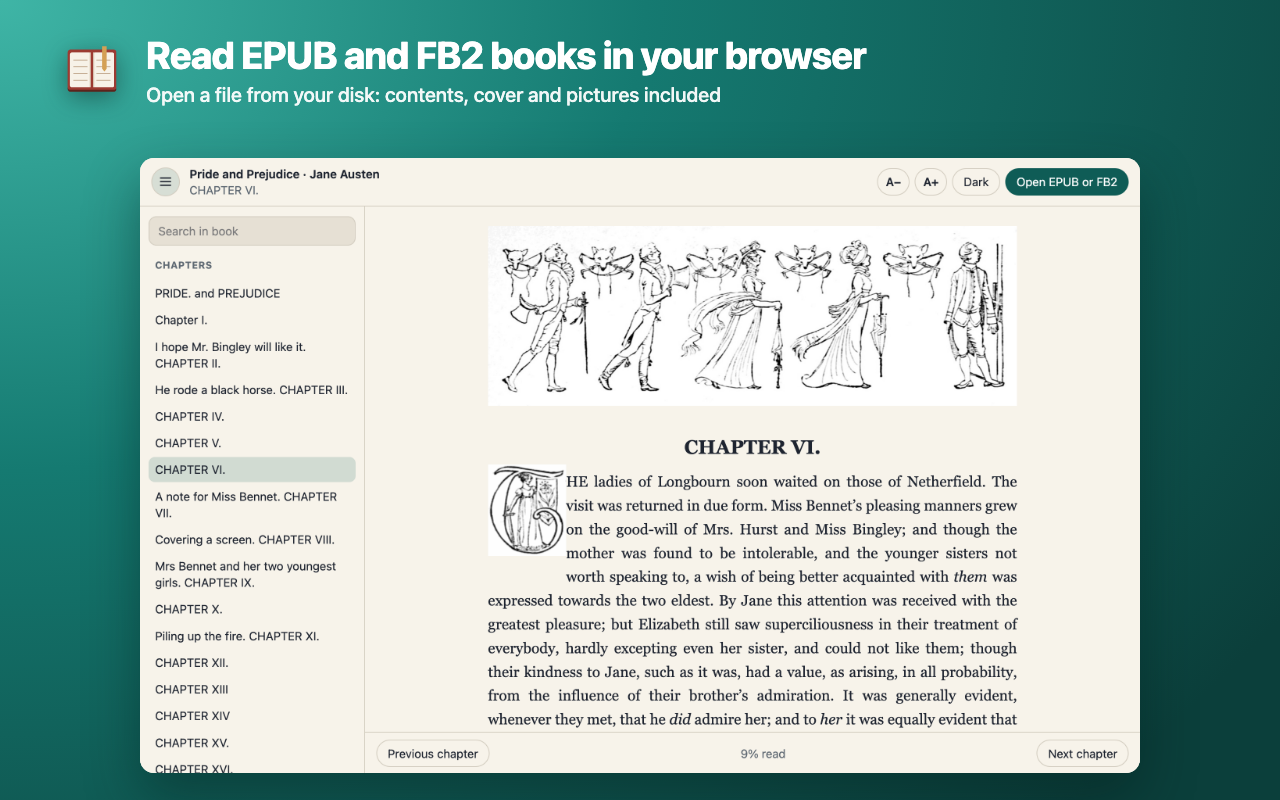
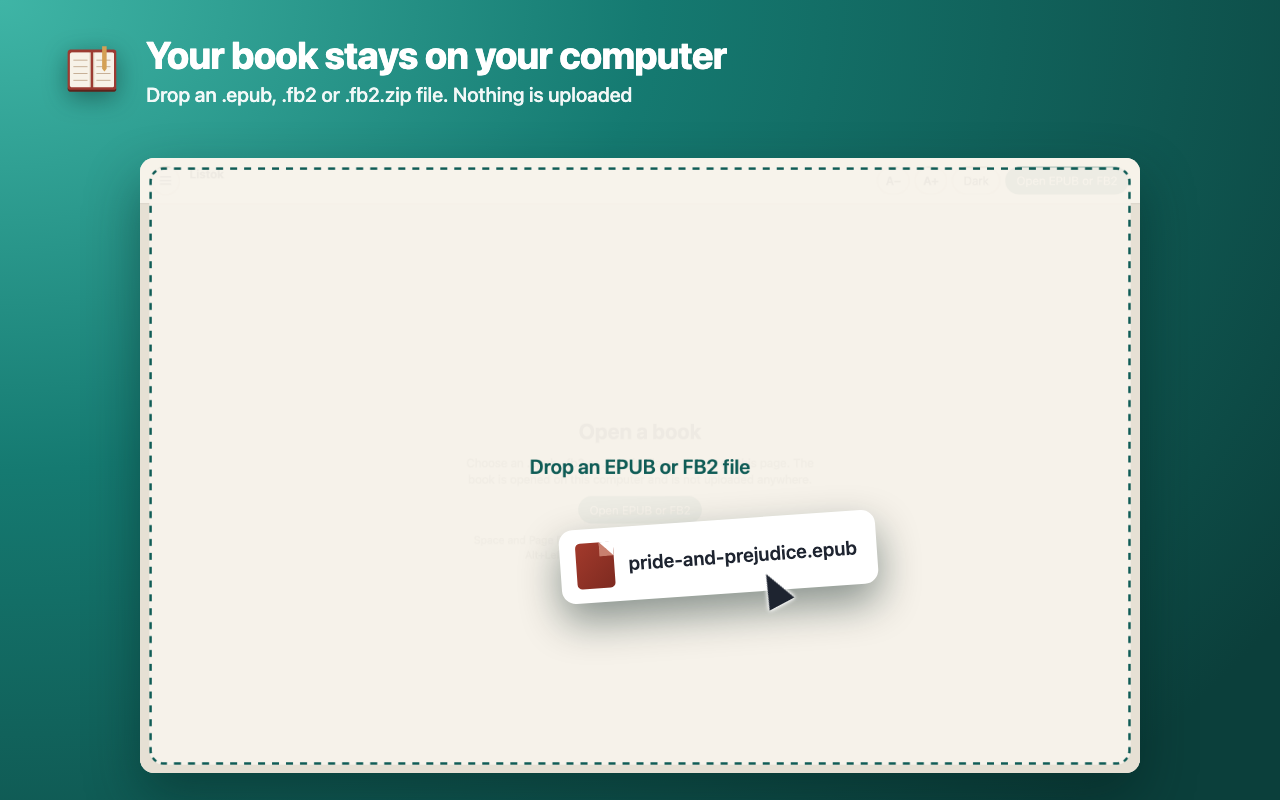
Read EPUB and FB2 books right in your browser. Click the Listok icon, pick a file on your disk or drop it on the tab, and the book opens with its contents, cover and pictures. Nothing is uploaded anywhere.

FORMATS
• EPUB 2 and EPUB 3, with the book's own table of contents, nested chapters and pictures.
• FB2 and FB2.ZIP, including files in the windows-1251 encoding and books with broken XML markup.
• Books with DRM and encrypted archives don't open: the extension does not remove protection.

COMFORTABLE READING
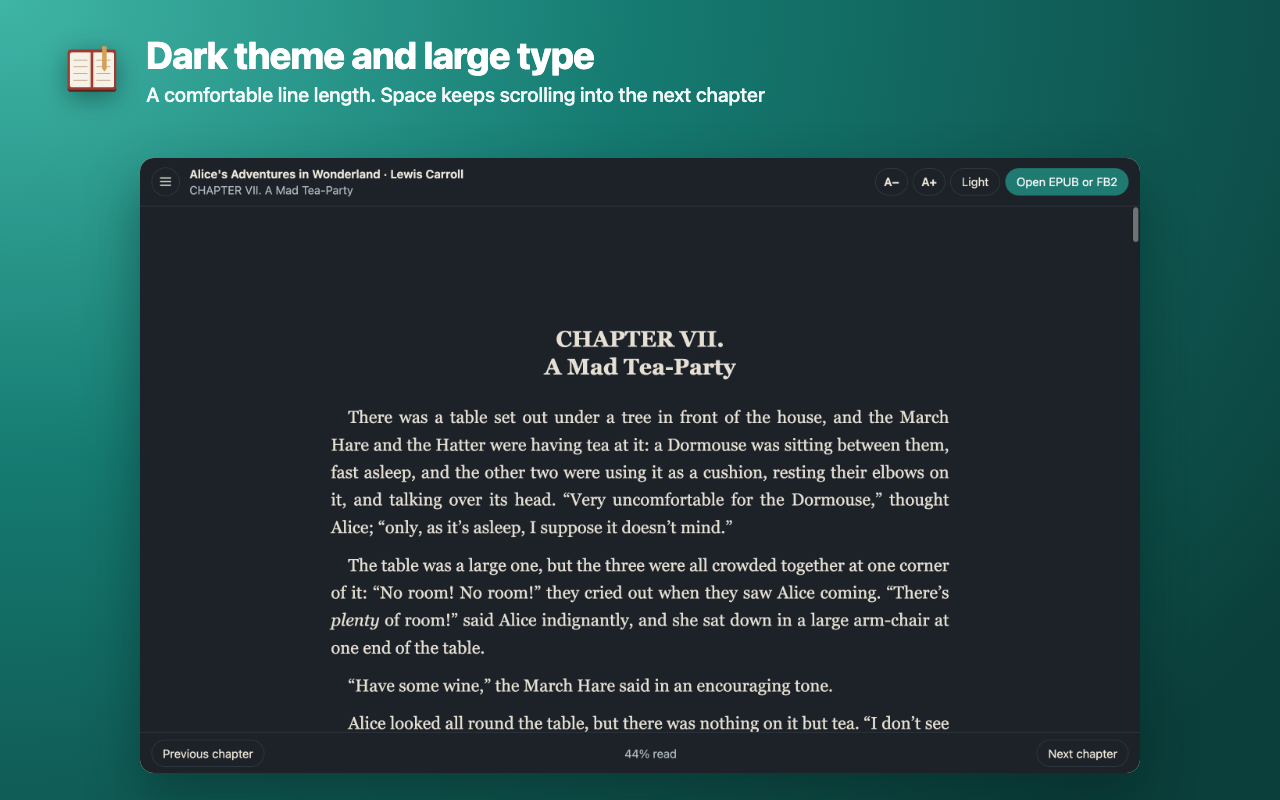
• The text scrolls like a normal page, not split into sheets. At the end of a chapter, Space and Page Down go on to the next one.
• "Previous chapter" and "Next chapter", Alt+Left and Alt+Right move through the chapters of the contents.
• Type size, light and dark theme, a comfortable line length.
• The chapter name at the top, how much you've read as a percentage at the bottom.

FOOTNOTES AND SEARCH
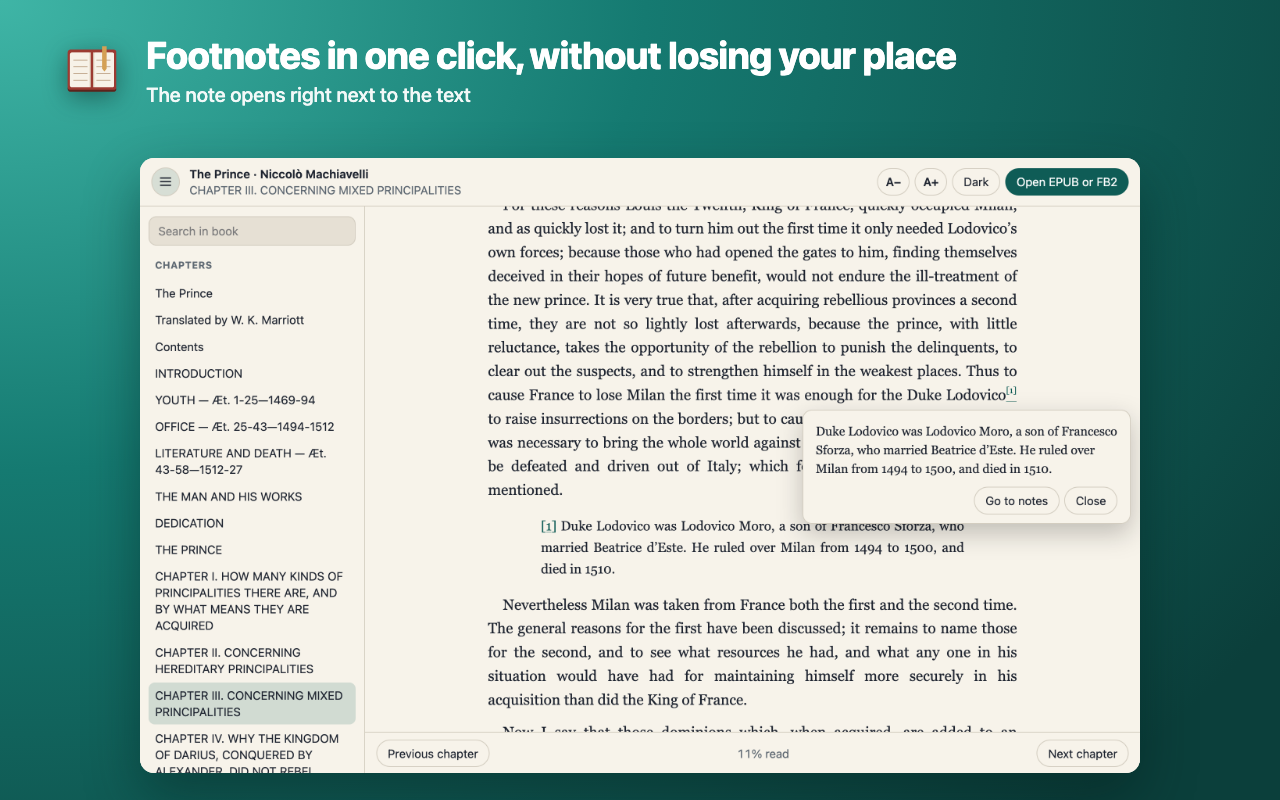
• A footnote opens in a small box next to the text when you click it, so you don't jump to the end of the book and lose your place.
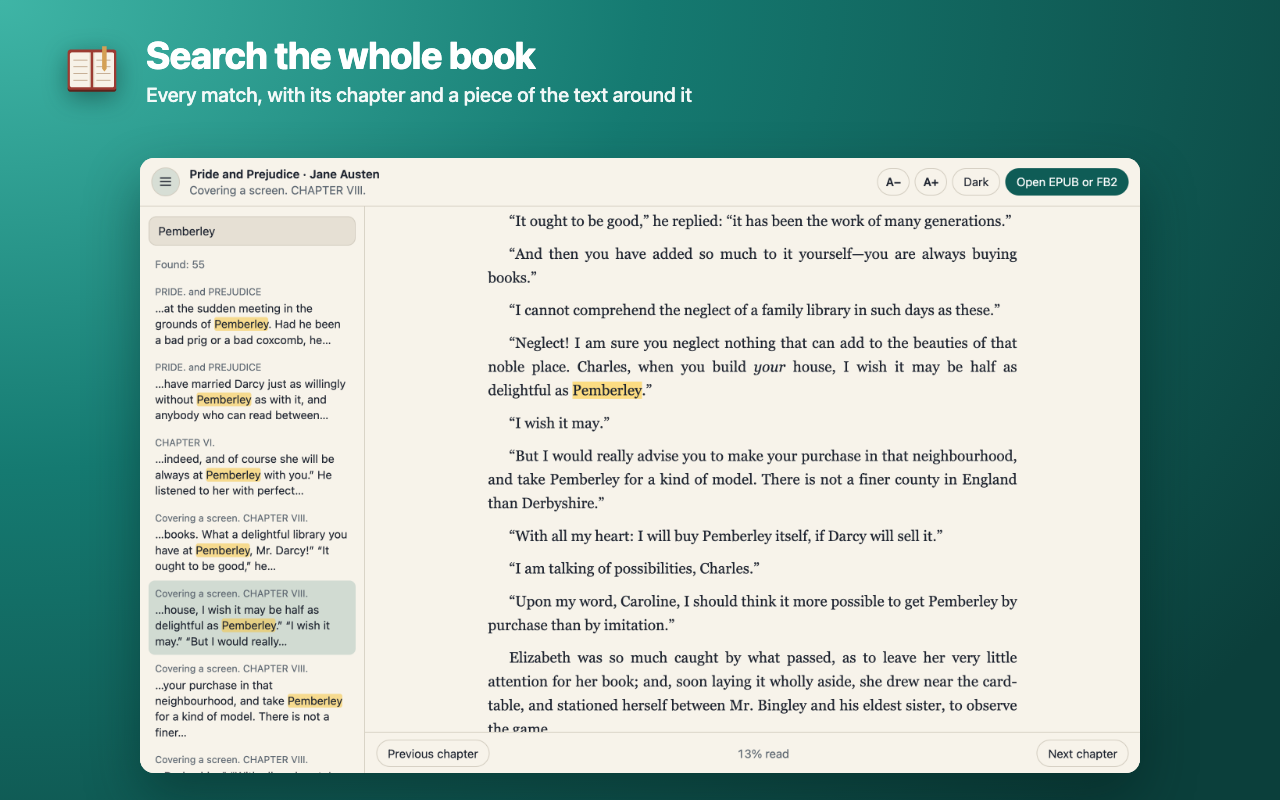
• Search the whole book, not just the open chapter: every match with its chapter and a piece of text, and the word highlighted in the text. Case doesn't matter.

REMEMBERS WHERE YOU STOPPED
• Your place is saved separately for each book. Open the file again and carry on from the same spot.
• The last book reopens by itself, even after you restart the browser.

PRIVATE
• One permission: storing data in the browser. No access to websites, tabs or history, so there are no warnings on install.
• The book is opened on your computer. The extension makes no network requests: web images and fonts inside a book are blocked, and scripts in a book never run.
• No sign-up, ads or analytics.

Interface in English and Russian.